
It's easy to add a new user, just follow the steps below.
Add a user via the Convoy App
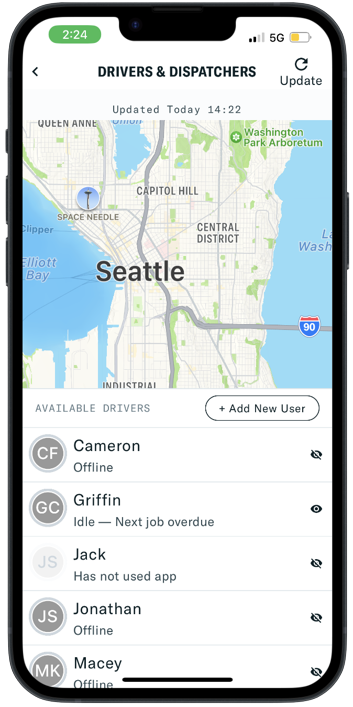
In the app, go to the Profile tab and scroll down to the Carrier Information section. Tap 'Drivers & Dispatchers'.
On the driver and dispatcher management page, tap 'Add New User'.
Add your user's legal name as it appears on a government issued ID.
Add your user's cell phone number.
You must add the drivers' mobile number in order for them to login with a six digit verification code. Drivers added to your profile cannot see rates or offers in the app.
[Optional] Add your user's commercial CDL information and birthdate. This information is used for identity verification and may be required to haul some loads.
Select the role for the user. Then select 'Create User'.
This article has a chart that explains the differences between role types.
Your user has now been added to your account! They will receive a text from Convoy with a link to download the Convoy app.
It is the dispatcher's responsibility to ensure the drivers moving shipments are using the Convoy app and are correctly assigned to each shipment. Follow these links for some helpful resources to make sure you're ready for your next load: